How to Prepare Artwork for Custom Mylar Bags
Dielines, bleed, safe zones, color and white ink: get your artwork right the first time.
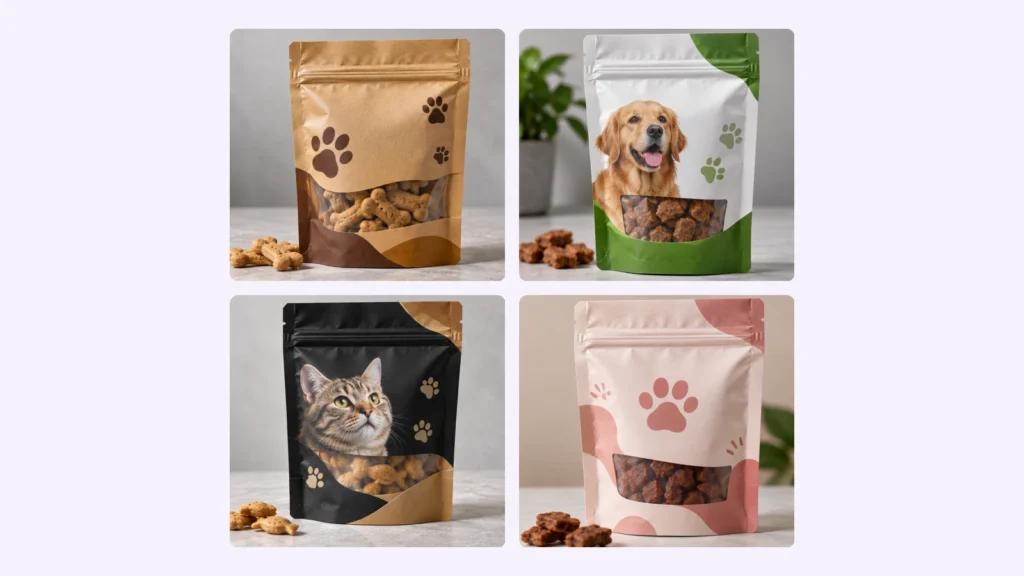
Good artwork setup is the difference between a bag that looks exactly like your mockup and one that surprises you. Follow these steps to prepare print-ready files for custom mylar bags.
Start with the dieline
A dieline is a flat template of your bag showing the front, back, gusset, seal areas, zipper position and tear notches. Always design on the dieline for your exact size and style. Ask your supplier for it before you start; it saves rework later.
Respect the seal and zipper areas
The heat seals along the sides and top, and the zipper track near the top, are not good places for important text or logos. Keep key content inside the safe zone marked on the dieline, usually at least a quarter inch from any seal.
Add bleed
Extend background colors and images past the edge of the bag by about one eighth of an inch. This bleed prevents thin unprinted edges if the cut shifts slightly.
Use the right color mode
Set your file to CMYK, not RGB. Screens show colors in RGB, which can look brighter than ink on film. If you need an exact brand color, give a Pantone reference so the printer can match it.
Plan your white ink
On metallized, holographic and clear films, colors print over a reflective or see-through surface. White ink underneath makes colors look solid and bright; leaving it out lets the metallic or holographic effect show through. Mark which areas should be white, shiny or clear. Your proof will show it.
Check the small print
Make sure barcodes, nutrition or supplement facts, ingredients, warnings and contact details are correct and large enough to read. Your printer prints the artwork you approve, so proofread carefully.
Send the right files
Vector PDF or AI files are best, with fonts outlined and images at 300 dpi at full size. If you only have a logo, our team can help with layout. Upload your files on any product page or the quote form, or start with our stand-up mylar bags.
Frequently asked questions
What file format is best for mylar bag artwork?
A print-ready PDF or Adobe Illustrator file with outlined fonts and embedded images.
Why do my colors look different from my screen?
Screens use RGB light while printing uses CMYK ink on film. Converting to CMYK early, and using Pantone references for key colors, keeps results close.
Will I see a proof before printing?
Yes. You approve a digital proof on the dieline before anything is printed.